

The Small Business Marketing Toolkit

Everything you need to market your store from October through the holidays. Ready to post, print, and send.

Grab what you need, add your logo and offers, and get back to the floor.


Built by the team behind the POS systems independent retailers run on every day.

Your season is ready for you

Small Business Season: the story behind the days

The story behind the days

Small Business Season is full of small holidays. Pick a month to see where each one came from, so you can work it into your messaging if it fits. Some are religious or cultural holidays, so use them to learn and to greet, not to sell.

Swipe or use the arrows.

What kind of shop do you run?

Choose your industry and we'll match you with the team that knows your kind of store.

Pick your industry above and the demo form will show up here.

Step 1: Get right with Google

Tightening up your Google Business Profile for the season.

  • google-g
  • google-g
  • google-g
  • google-g
  • google-g
  • google-g
  • google-g
  • google-g
  • google-g
  • google-g
  • google-g
  • google-g
Google Business Profile audit checklist

Google Business Profile audit

Work through each section at your own pace. Check things off, jot notes, and download your progress to pick up later.

Heads up: this page doesn't remember your progress. Download it when you take a break, then load the file here when you come back.

Holiday season Google Business Profile post ideas

Holiday season posts for your Google profile

Pick a month, then a week. Add your store details and copy posts written for Small Business Season and the holidays. Each one comes with a photo idea and a button.

Pick a week

A few details

Your posts

Copy a post, paste it into your Google Business Profile, and add the photo and button shown. Edit anything that isn't true for your store.

Keep phone numbers out of the post text and use the button instead.

Step 2: All about the audience you own

Email and text message marketing made simple.
  • fi_users2
  • fi_users2
  • fi_users2
  • fi_users2
  • fi_users2
  • fi_users2
  • fi_users2
  • fi_users2
  • fi_users2
  • fi_users2
  • fi_users2
  • fi_users2
Holiday season texts and emails

Holiday season texts and emails, ready to send

Pick a month, then a week. Add your store details and copy messages written for Small Business Season and the holidays. No editing required.

Pick a week

A few details

Copy and schedule

Your email tool adds the unsubscribe link and your mailing address.

Step 3: Getting social with it

Social media content ideas and when to share them.
  • Facebook
  • instagram (1)
  • fi_users2
  • Facebook
  • instagram (1)
  • fi_users2
  • Facebook
  • instagram (1)
  • fi_users2
  • Facebook
  • instagram (1)
  • fi_users2
Small Business Season: holiday season social post ideas

Holiday season social post ideas

Pick a month, then a week. Add your store details and get posts for Instagram and Facebook. Every idea comes with a template to use, the words for the graphic, a caption, and the research behind it.

Pick a week

A few details

Your posts

Copy the caption, build the graphic from the text shown, and edit anything that isn't true for your store. The research box tells you why each post is worth making.

Keep phone numbers out of captions and point people to your profile or link in bio instead.

Your best moments
are still in-store.

SBS December Social.pptx

Step 4: To the window, to the wall

Signs, displays, inserts, and other printables.
  • shop
  • shop
  • shop
  • shop
  • shop
  • shop
  • shop
  • shop
  • shop
  • shop
  • shop
  • shop
Small Business Season: holiday in-store planner

Your holiday season in-store plan

Answer four quick questions about your space. You'll get display ideas, a plan for each week from October through December, and the list of printable signs that go with them.

Canva Templates

Use these free, ready-to-customize social media and signage templates to amp up your small business season marketing this season.

Solutions for your kind of business

Every shop has its own rhythm. Pick your industry to see the point of sale built for the way you sell, from the first customer of the day to the last.
sbs liquor

Bottle POS

Running a liquor store takes more than a cash register. Bottle POS is built for the way you sell, from deep inventories to loyal regulars who know your shelves better than you do.
sbs jewelry

Jewel360

Fine pieces deserve careful handling, from the first look to the final sale. Jewel 360 is built for jewelers who sell high-value items and long-term relationships.
sbs grocery

Markt POS

Fresh products, tight margins, and customers who shop weekly. Markt POS helps independent grocers keep shelves stocked and lines moving.
sbs pet

eTailPet

Pet parents want the right food and a shop that knows their animals by name. eTailPet helps independent pet retailers deliver both.
sbs quilt

Like Sew

Fabric stores run on bolts, notions, classes, and loyal makers. Like Sew is designed for the way sewing and quilting shops actually work, from the cutting table to the checkout line.
sbs thrift

ThriftCart

Every item in a thrift store is one of a kind. ThriftCart is made for resale, so you can price, track, and sell unique inventory without the headaches.
sbs tobacco

Cigars POS

Your humidor is part of the experience, and so are the regulars who come in for a recommendation. Cigars POS is built for tobacco retail, so you can focus on the counter conversation.
sbs retail

Rain POS

Not every shop fits a niche, and yours shouldn't have to. Rain POS gives independent retailers a flexible point of sale that adapts to what you sell and how you sell it.

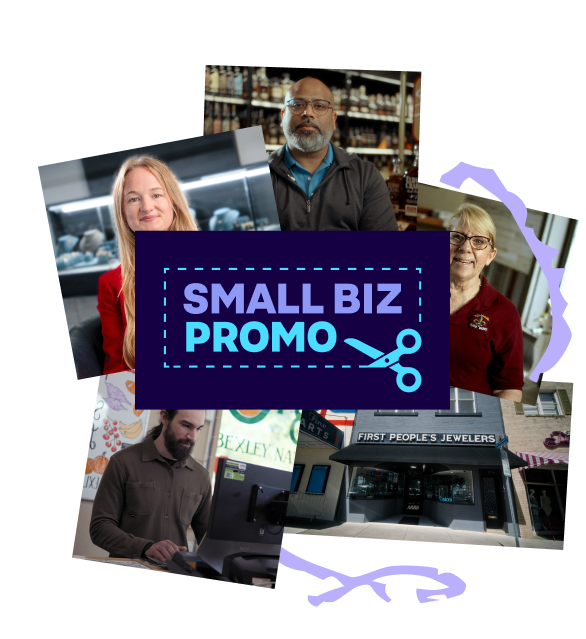
Add your holiday promo

Small Biz Promo lists coupon codes and in-store offers from independent retailers.

Shoppers can find deals in their area, updated every day this holiday season.
offer